
IRON HULL
A downloadable Horror for Windows and Linux
WARNING! This game contains flashing lights and jumpscares, is not for the epileptic.
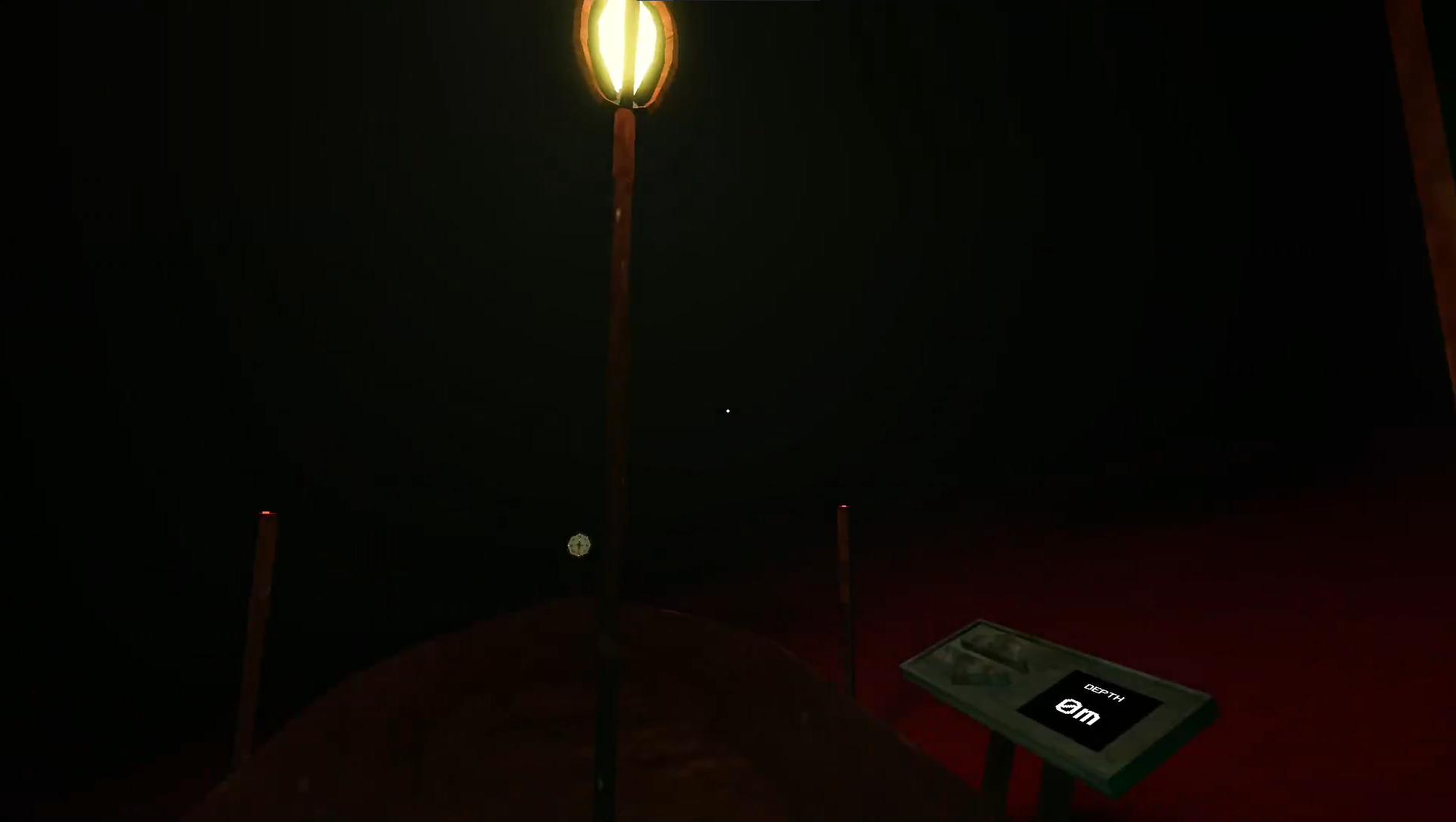
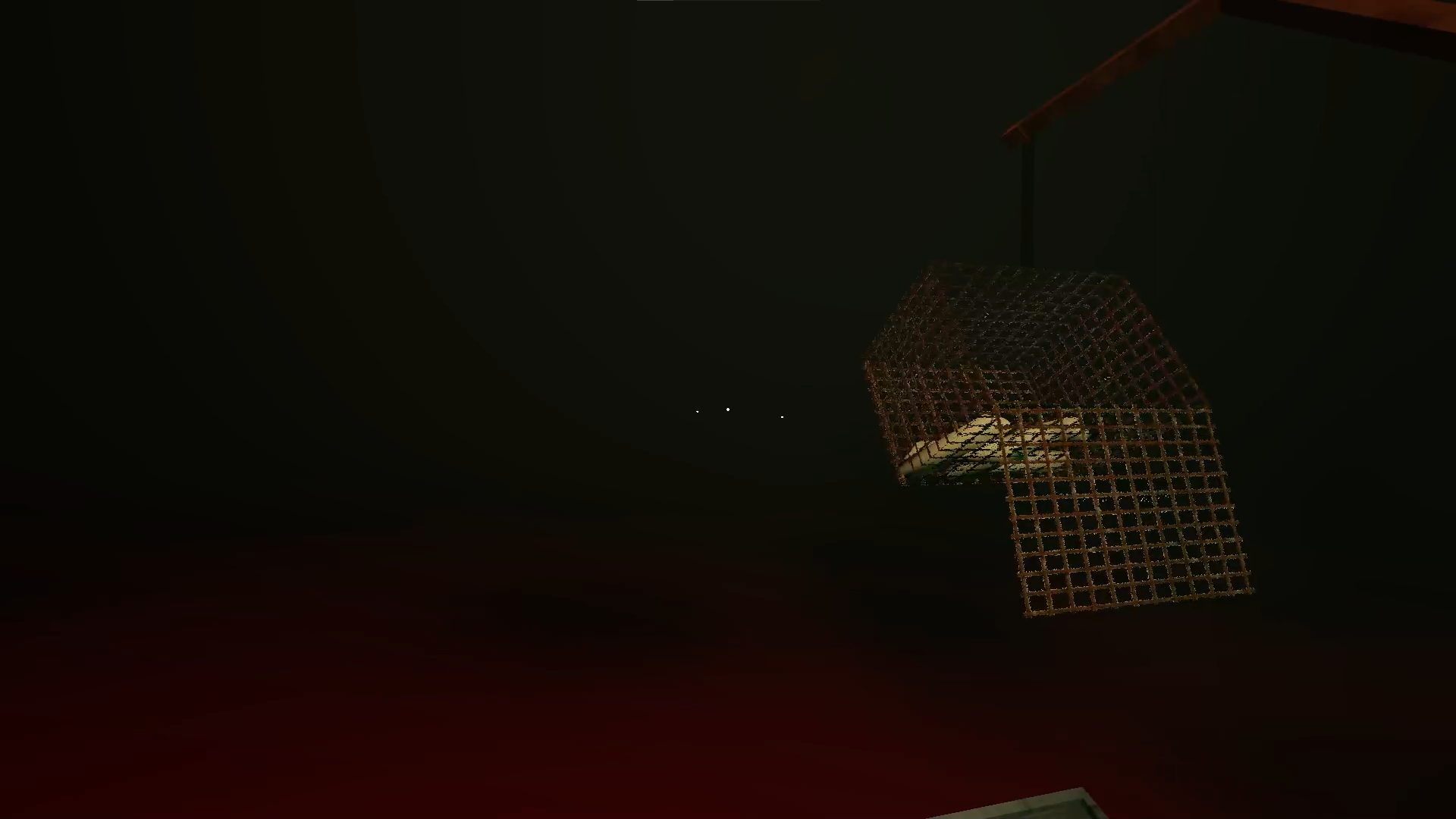
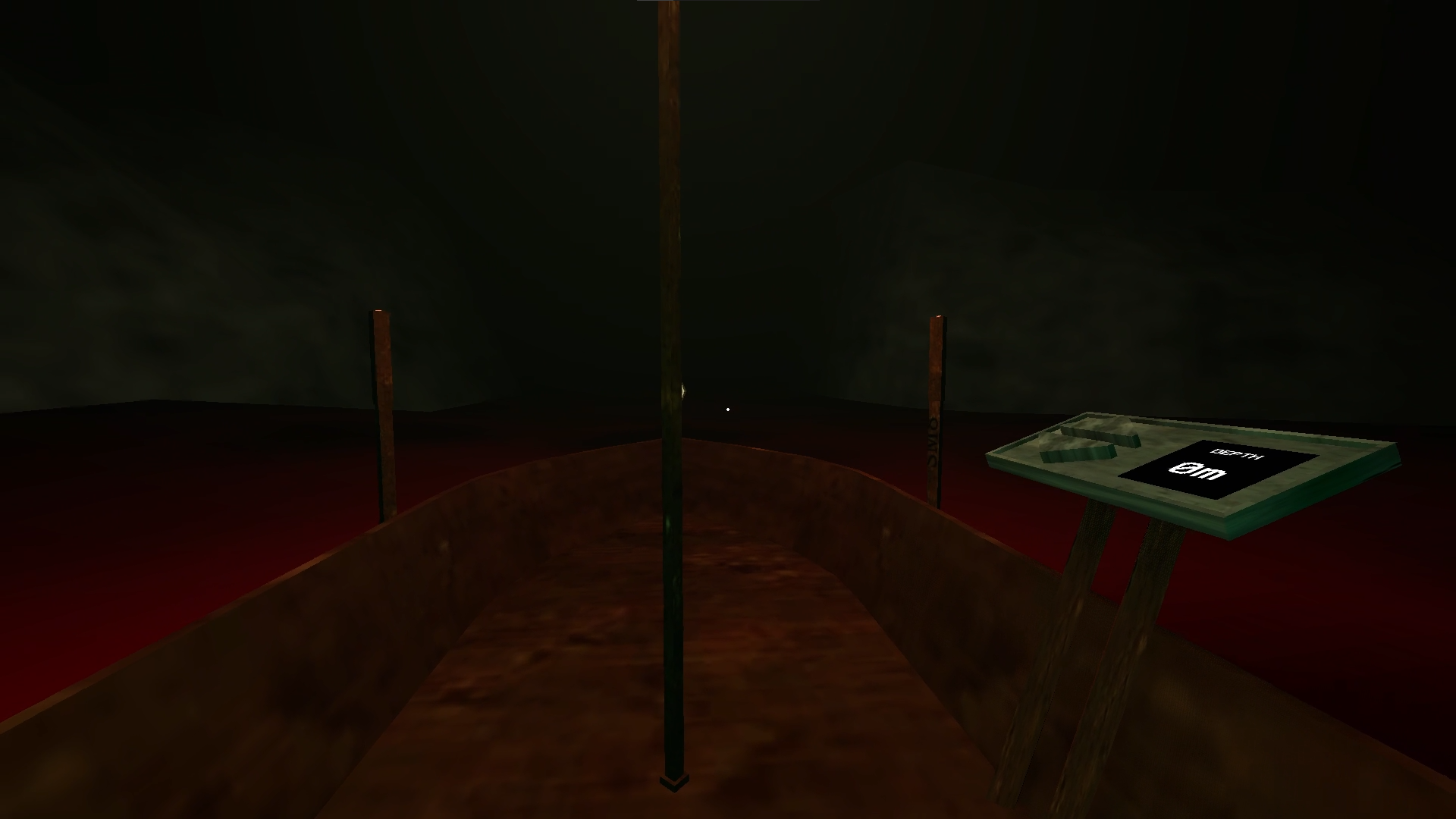
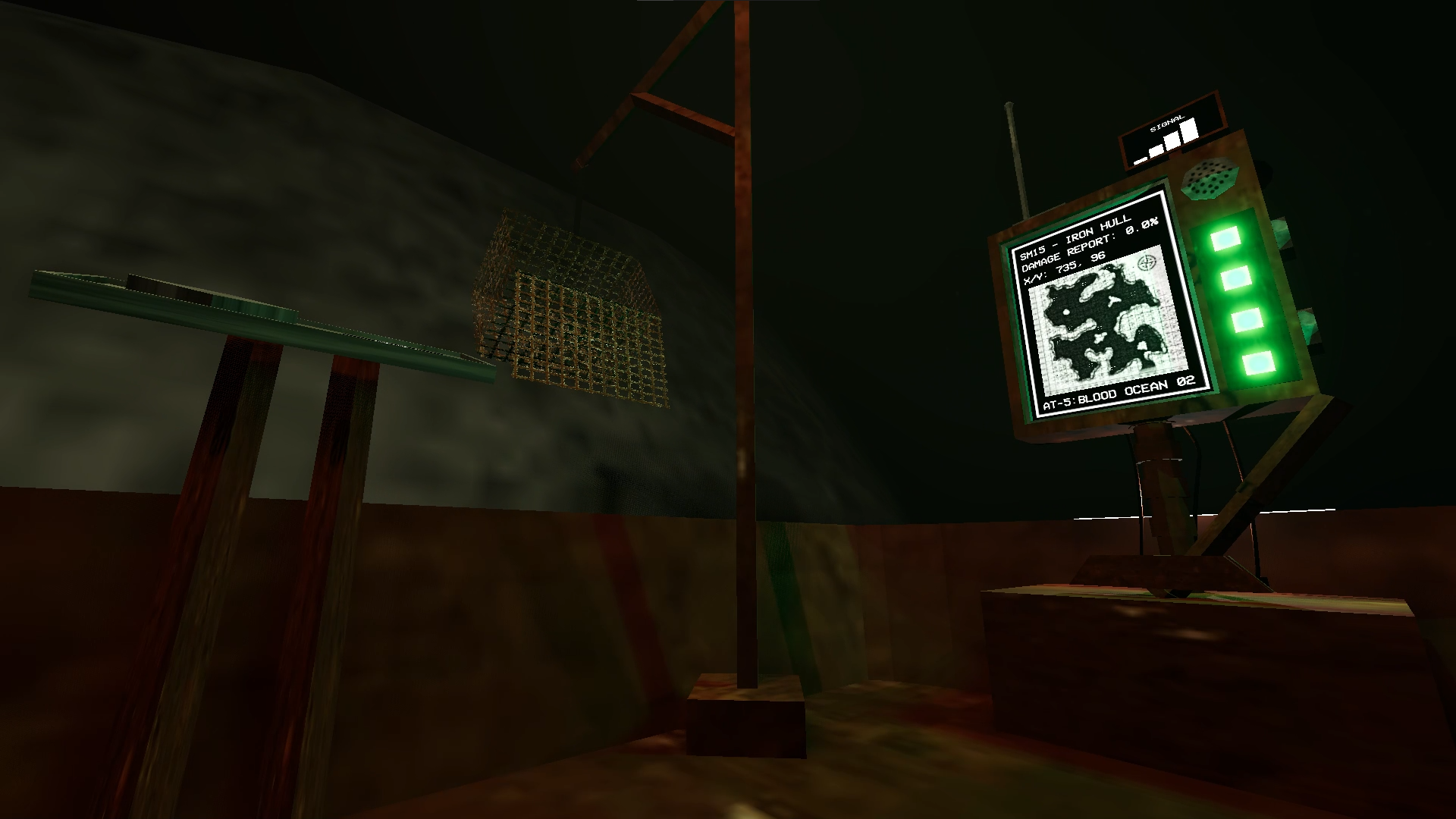
Iron Hull is a fangame based on the popular indie game Iron Lung by David Szymanski. The game Iron Hull, takes place on moon AT-5 over the 2nd discovered Blood Ocean by the COI (Consolidation of Iron). The convict (player) who operates the SM15 boat must explore this ocean of red to collect sample down on the sea floor using the SM15's hydraulic cage. If the convict wants to earn his freedom, he must collect all 10 interest points across the ocean.
Credits:
Jackson Ward (@Quacker24): Everything except voice acting and composing
Jordan Davis (@mowcoco): Composed all music
Braxton Walters (@chronyx40000): Voice Acting
KNOWN BUGS TO BE FIXED:
Camera bug: Pictures don't seem to show up on Linux or some specific devices, is this to be fixed and is my top priority.
Boat clipping/slamming sound: There are known instances where the boat can clip into terrain. There is also a bug where the slamming sound will repeat. These issues are to be fixed in the next patch.
Download
Install instructions
Install and unzip it
Comments
Log in with itch.io to leave a comment.
Incredible work.
Gonna be playing this tomorrow and uploading a video!! Can't wait, trailer looked epic.
Really looking forward to watching it!
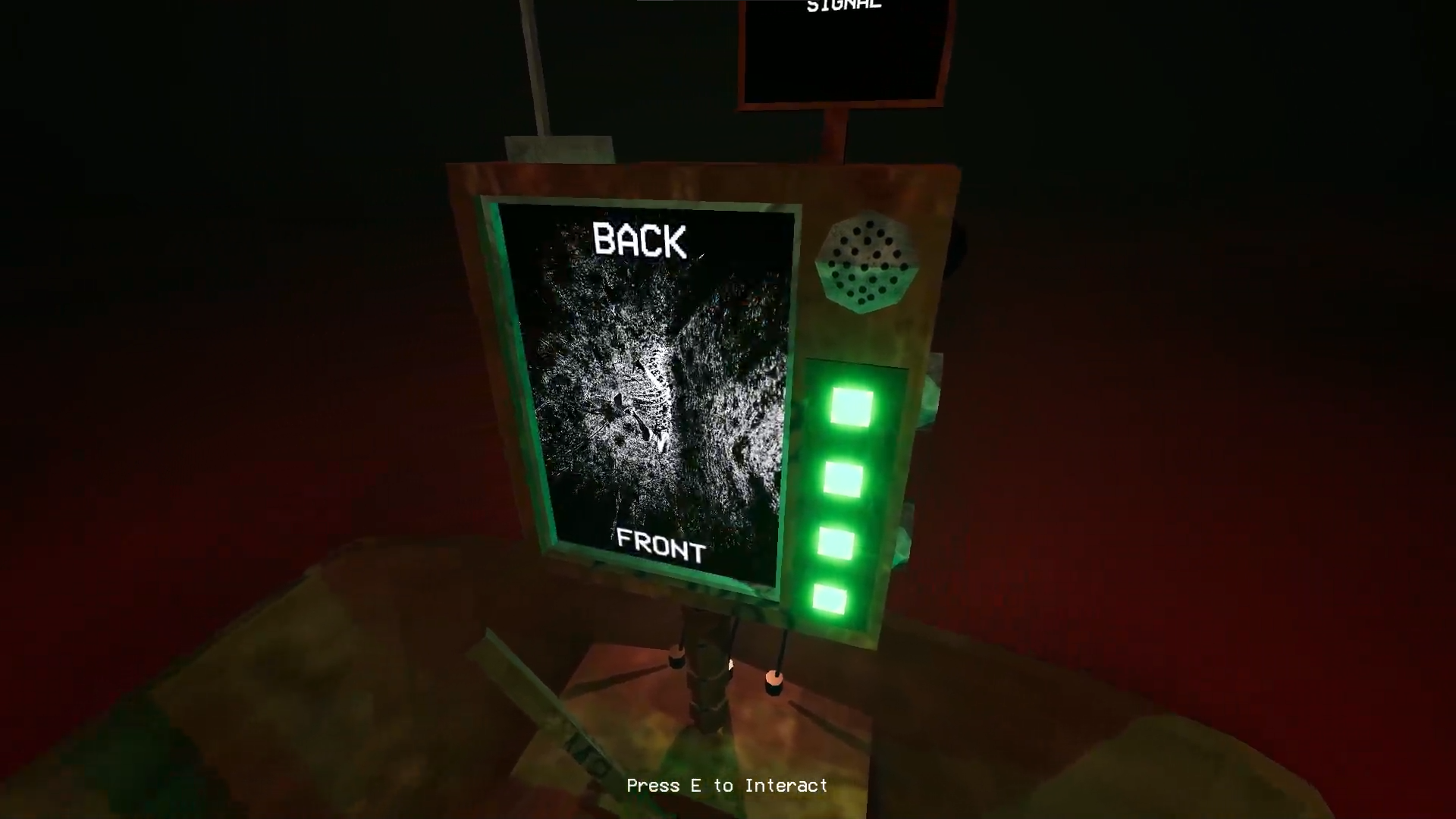
Hey, I loaded up the game, and perhaps it's because I am running it through a compatibility layer (I am on Linux), but the screen on the boat is just pure black. Nothing displayed.
1. Does this happen on your end when you play the release build?
2. I would appreciate it if you built for Linux (as a fellow Godot user, I know this to be possible).
Thanks, I look forward to playing the game.
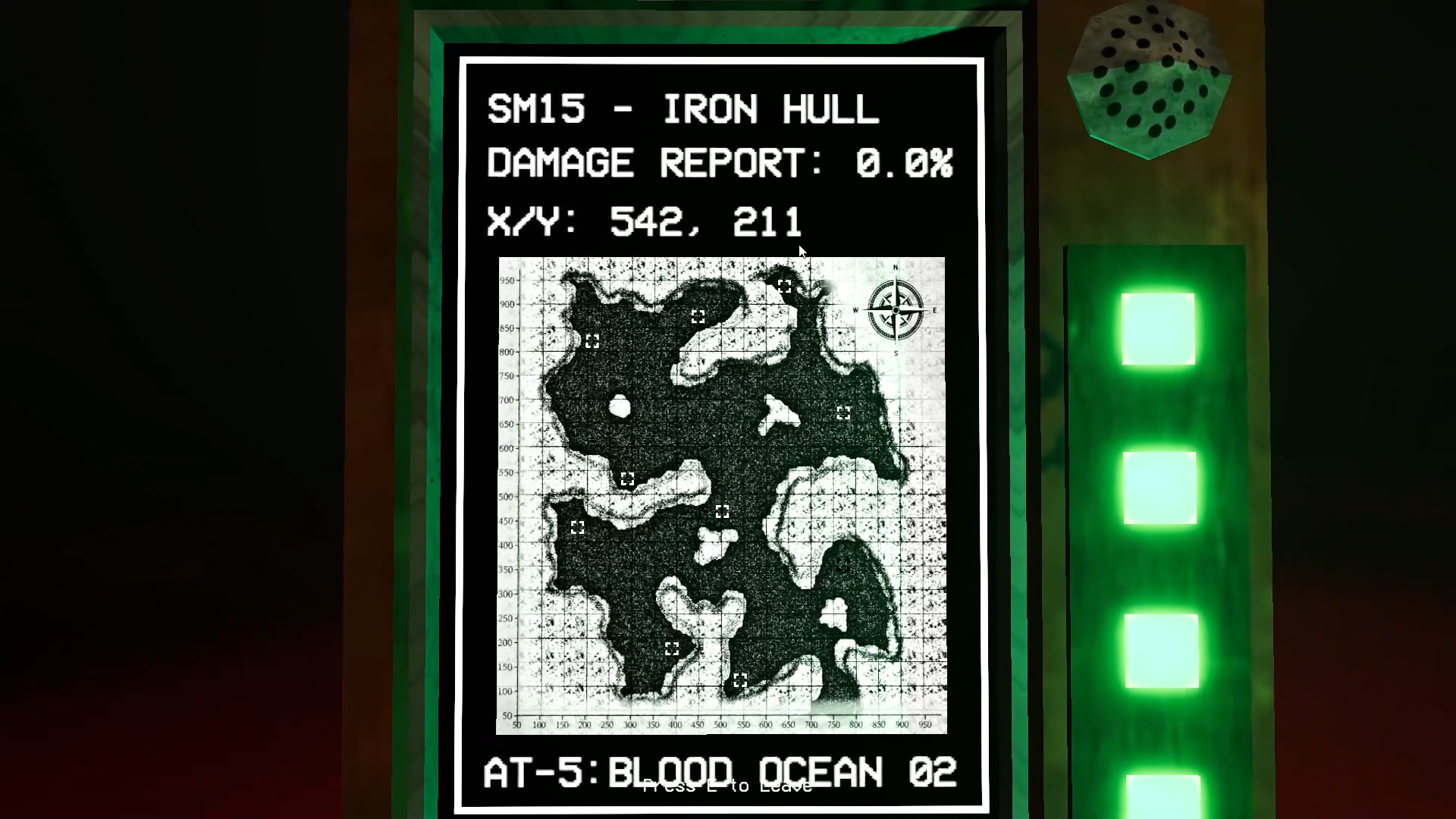
The screen is black on start, if you press the buttons on the side, they will light up the screen. One button opens the map, the other takes a picture. I will upload a build for linux.
I look forward to the video, good luck bro.
(Note: You press the buttons using the left mouse button. When it says "Press E to interact" that is just to look at the screen)
Alright thank you. I was clicking around on those buttons to no luck, but I will give it another shot today. Thanks for building for linux!
Np, just make sure you are clicking the gray buttons on the side of the screen, every button and lever you see is interactable. Heres a quick briefing of what you need to do to collect samples: Make it to the interest point on the map, take a picture of it using the top monitor button on the side of the screen, if you are above the fossil, lower down the cage until you hear a little (tick) sound effect. Double check the map to see if the sample that you are collecting is grayed out or not, if so, you can bring the cage back up and there should be a sample in there.